Applied AI for the way your business actually runs.

From national operators to the shop down the street, we build and run the AI workflows behind your orders, customers and cash.
ERPEMAILCRMPHONE/SMSHELPDESKSPREADSHEETSCHATkpOS
Working with businesses everywhere.
SMALL & MIDSIZE · OWNER-LED · PROCESS-HEAVY
The work that slows your business down, handled.
Not a platform to buy or a tool to learn. A team that maps how the work actually happens, builds the workflows, and stays to run them.
Orders moving through a warehouse
Orders & intake
Orders, requests and quotes from any channel land ready for review in your systems.
Customer service
Service & customers
Questions answered, requests routed, follow-ups never dropped.
Back office review
Cash & collections
Invoices chased, payments applied, anything unusual flagged.

EMAIL MARKETING → OPERATIONS

Watch kpOS connect the work

From personalized prospecting to a quote, order and production schedule.

5:18 · Illustrative workflow using example data.Video credits

Personal outreach. Connected workflows.

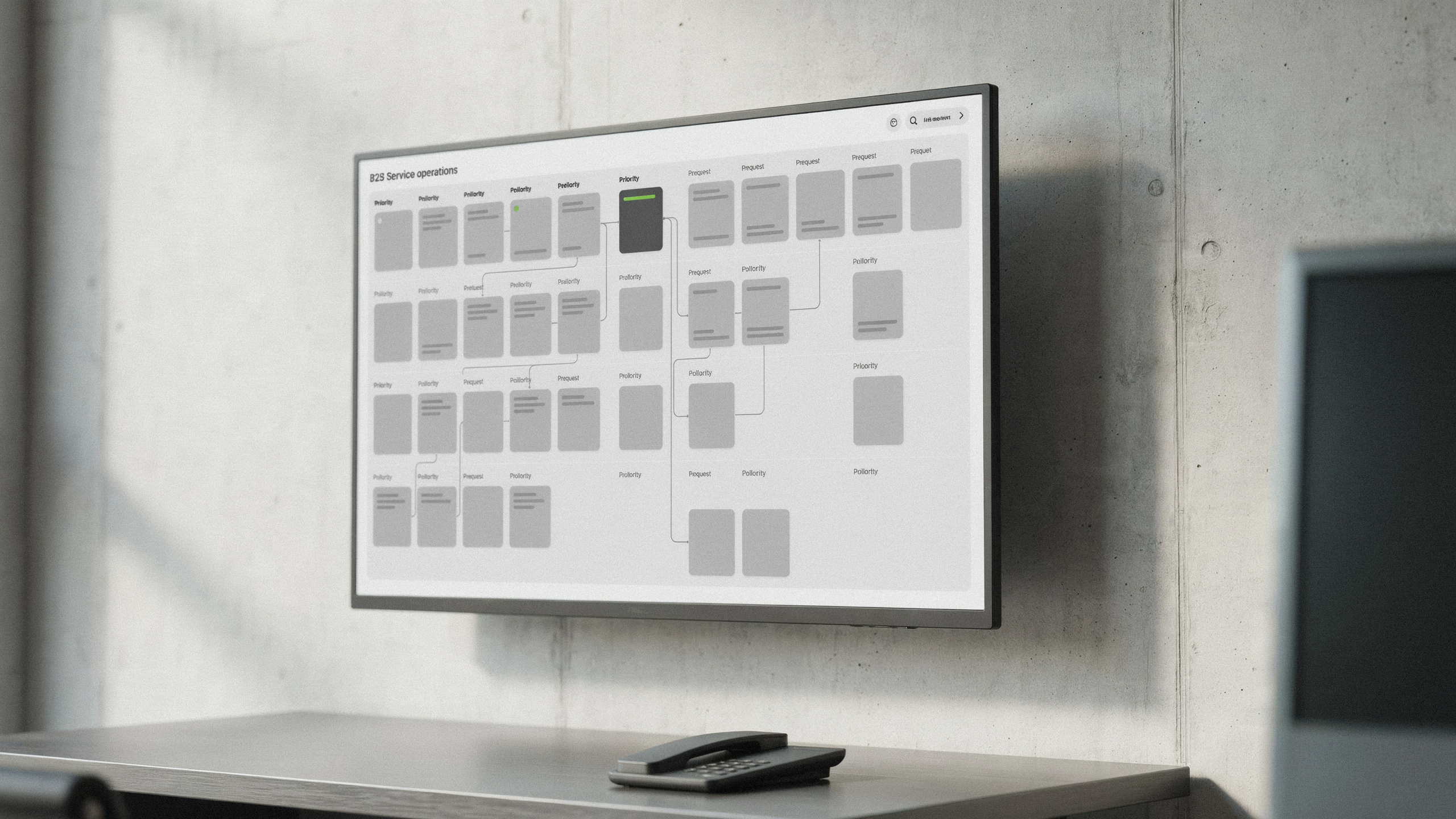
kpOS is our AI workflow system. It works behind the scenes in your existing email, CRM, ERP and approval queues—not a replacement for them.

Research the right companies, prepare individually tailored emails and subject-line A/B tests, then put a batch in front of your team for approval. After campaign approval, scheduled follow-ups stop on a reply, opt-out or bounce. Interested buyers move into quoting; warmer conversations get a separate nurture task.

Explore personalized outreach workflows →
Workflow walkthrough

A written summary of the example shown in the video.

  1. Find and verify. A supplier offering custom corrugated packaging researches companies by target market and region. Buyer role, employer, location and email are checked separately; uncertain contacts are held for review.
  2. Personalize and approve. Messages from a named sender fit each company's products and packaging needs. Two subject lines test the same personalized message, with stable assignment and reply tracking—not a generic blast.
  3. Follow up under rules. An approved campaign schedules three personalized nudges. Verification and suppression are checked before each touch; replies, opt-outs and bounces stop the sequence, and the team can pause it.
  4. Route the reply. A hot reply from Casey Morgan at the example company Ashford Foods carries the request for 1,000 custom mailers into estimating. A warm reply becomes a separate nurture review task, not more cold emails.
  5. Prepare the order. The quote and incoming purchase order become a draft order for customer-service approval. Production planning checks the machine route, setup and run time, board availability and available capacity.
  6. Confirm with a person. An approved order moves into the production schedule. A draft lead-time confirmation goes back to customer service for approval before any message is sent.
WHO WE HELP

Owners and leaders who want AI without rebuilding the business around it.

Our ideal client is a small or midsize business with a decision-maker who sees a process slowing people down and wants a practical way to make it easier, faster, and more reliable.

Not another chatbotWe build an AI operating layer behind the scenes—not another blank chat box employees have to remember to use.
No forced process overhaulWe begin inside the inboxes, ERP, CRM, phone, spreadsheets, and approvals your team already uses.
Improve first. Evolve next.Once the workflow proves useful, we help leadership redesign the process and expand AI deliberately.
See who we work best with →
SYSTEMS WE CONNECT
Every system, talking to every other.
Work stalls between systems, not inside them. We connect the tools you already use so nobody re-keys the same order twice.
ERP
CRM
Accounting
Email
Phone
Text messaging
Helpdesk
E-commerce
Spreadsheets
Supplier portals
Calendars
Shop floor
ERP
CRM
Accounting
Email
Phone
Text messaging
Helpdesk
E-commerce
Spreadsheets
Supplier portals
Calendars
Shop floor
One email, five systems, zero re-keying:
01 · EMAIL
A customer emails about a reorder
02 · ERP
Inventory checked, order drafted
03 · YOU
One tap to approve
04 · EMAIL
Customer gets a confirmation reply
05 · CRM
Account history updated
HOW WE WORK
One workflow. Ninety days. Stop or scale.
No open-ended AI programs. Every engagement starts with one workflow and ends with a clear decision based on how it actually performed.
01 · DAYS 1–15
Discover
We sit with your team, map the work as it really happens, and agree on what success looks like.
02 · DAYS 16–30
Build
Connect your systems read-only, build the workflow, and set the guardrails.
03 · DAYS 31–60
Shadow
It runs alongside your people on live work, so you can compare before anything goes out.
04 · DAYS 61–90
Decide
Real users, real results. Stop, or scale it and let us run it for you.
Order intake
KPOS · NEEDS APPROVAL
INCOMING EMAIL · 9:41 AM
“Can we reorder the same as last month, but bump the filters to 40?”
DRAFT ORDER · READY FOR REVIEW
Replacement filters× 40
Gasket kit× 12
StockAvailable · ships today
Approve & send
Edit
FROM A CLIENT
“Three weeks in, we’re already saving roughly two weeks of work per month, and that’s for a single employee. The impact across our whole team will be significant.”
Bring one workflow worth fixing.
Discuss a workflow